

Casting Air3 Glasses to PC (Windows)
Dieser Inhalt ist noch nicht in deiner Sprache verfügbar.
Part 1 Troubleshooting Connection
Section titled “Part 1 Troubleshooting Connection”① Download the adb File & QtScrcpy-win-x64-v3.0.1 (2).zip: adb.txt, QtScrcpy. Casting tool.

②Transfer the ADB file to your glasses’ [Internal Shared Storage] via USB.

Part 2 Launch & Connect
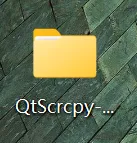
Section titled “Part 2 Launch & Connect”① Locate and open the “QtScrcpy-win-x64-v3.0.1” folder on your desktop.
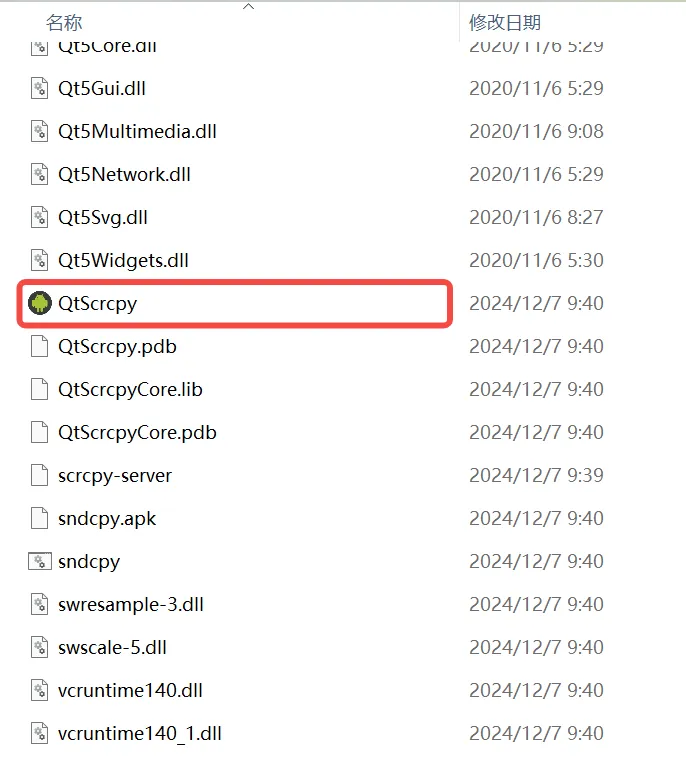
② Double-click the QtScrcpy application icon to run the software.
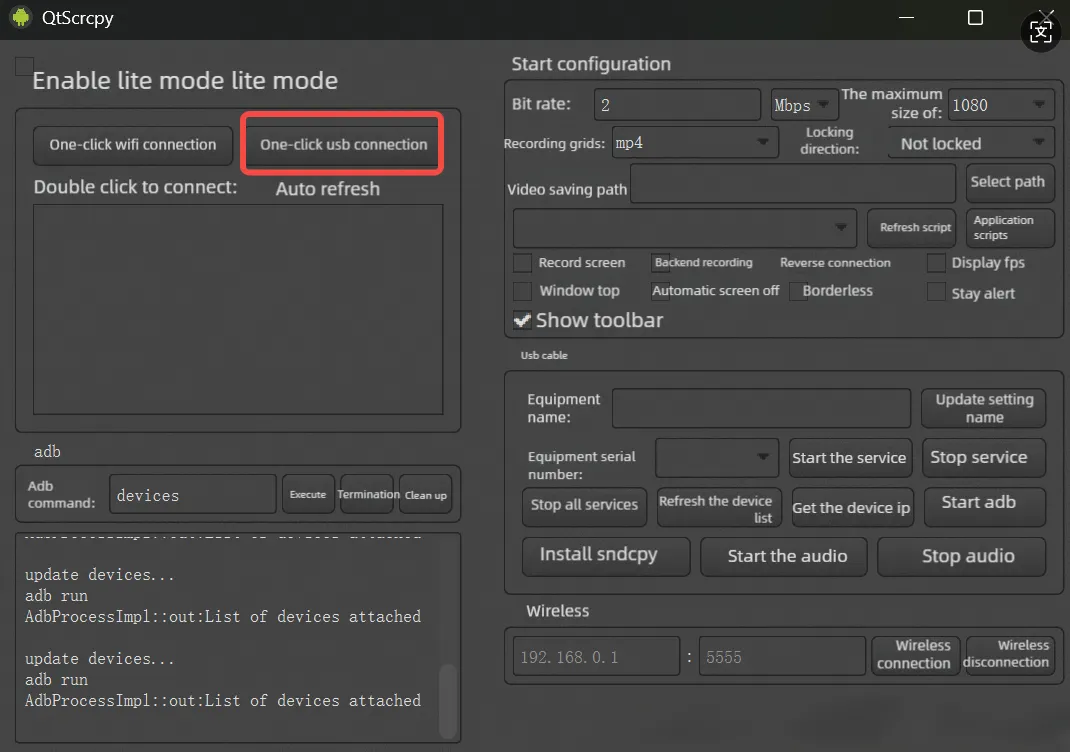
③After entering the interface, click “One-Click USB Connection”.
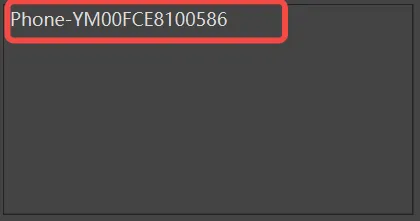
- After clicking, a search will be performed. Once the device is found, click again.
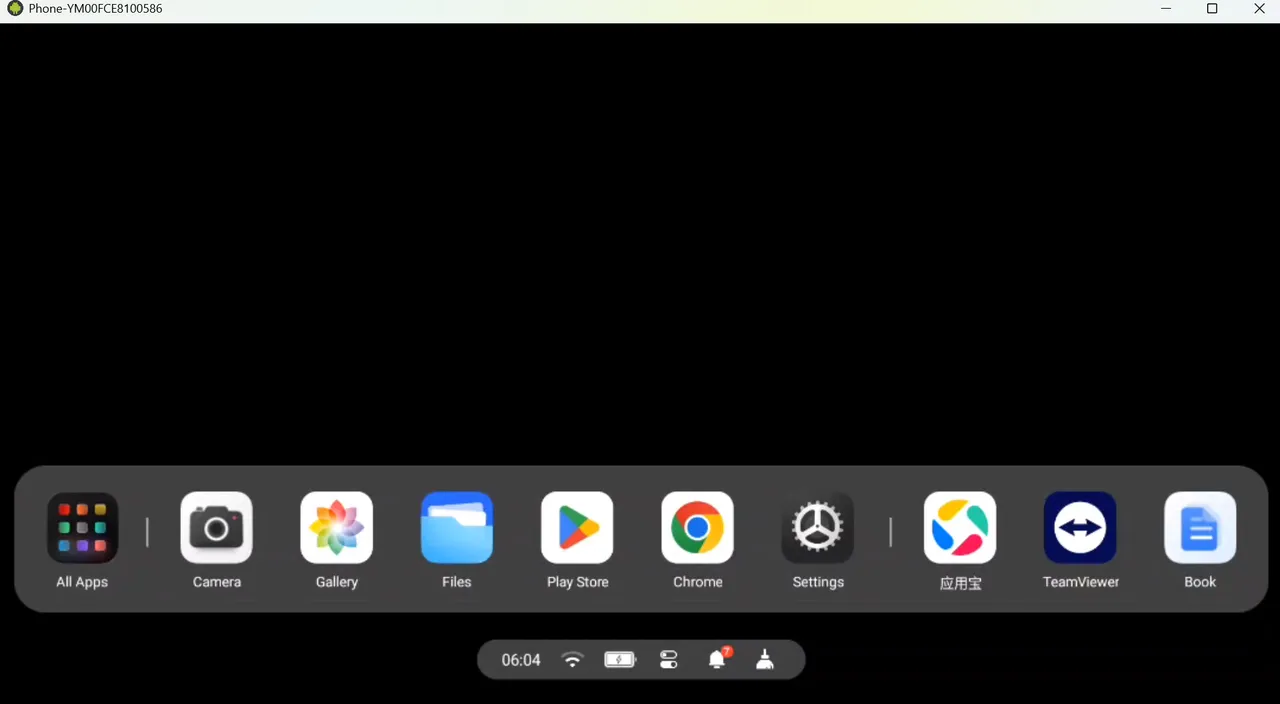
④The connection is successful. Access the glasses interface.
Part 3 Troubleshooting Connection
Section titled “Part 3 Troubleshooting Connection”Notes (If the device cannot be found, please adjust the following steps):
① Restart the screen mirroring software:
Completely close the screen mirroring application on your computer.
Reopen the application and ensure it loads the new configuration.
② Re-plug the USB data cable.