

Language Settings Guide
Part 1 Default Language Setup
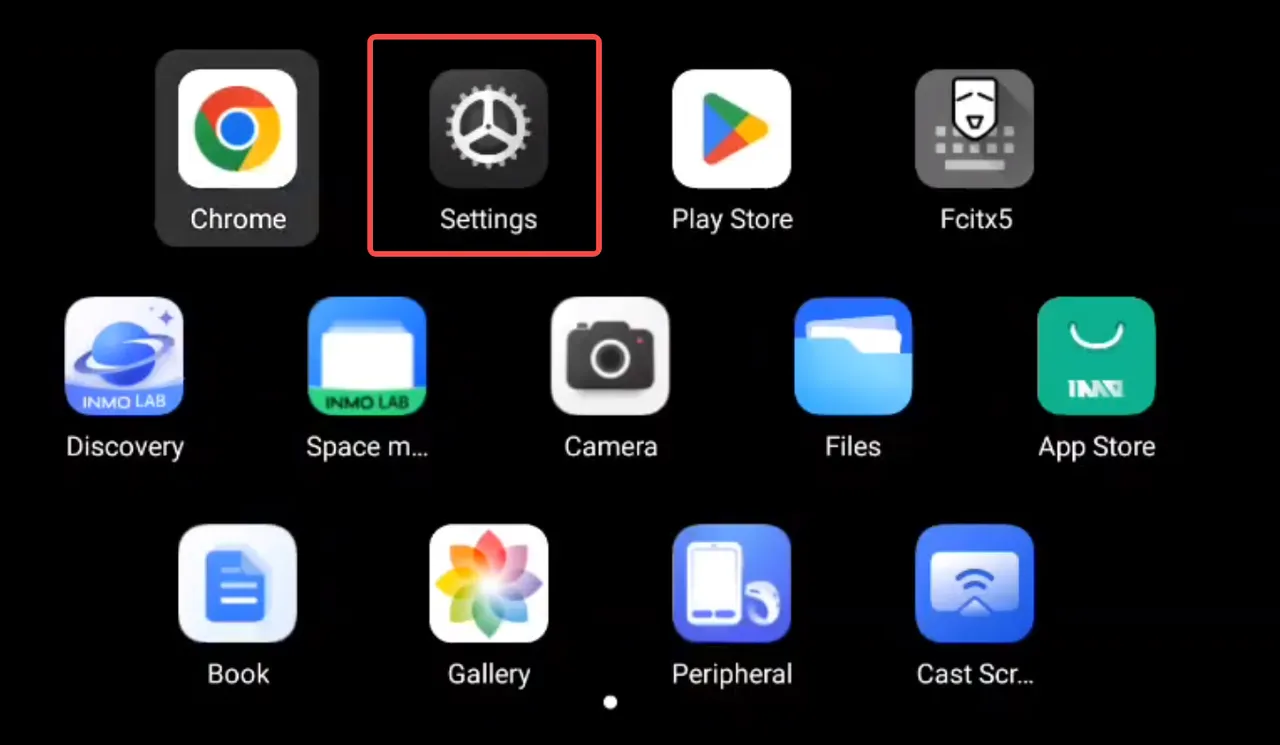
Section titled “Part 1 Default Language Setup”① On the glasses desktop, swipe to the [Settings] app icon and tap it to enter the Settings interface.
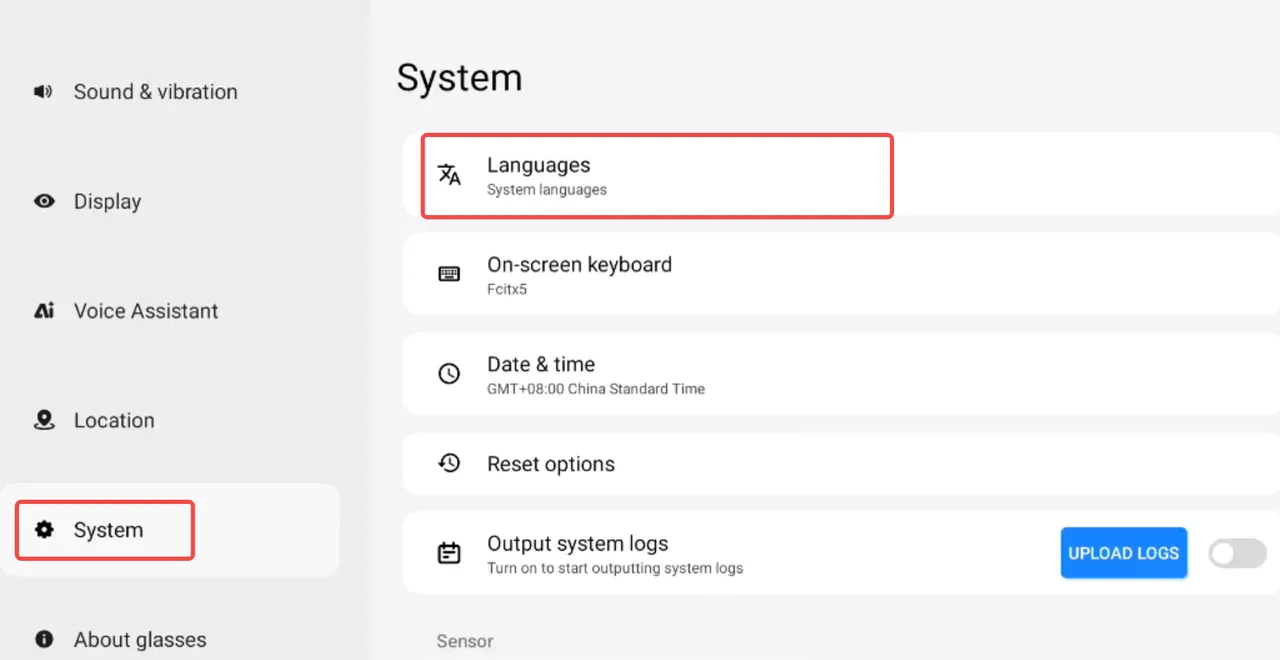
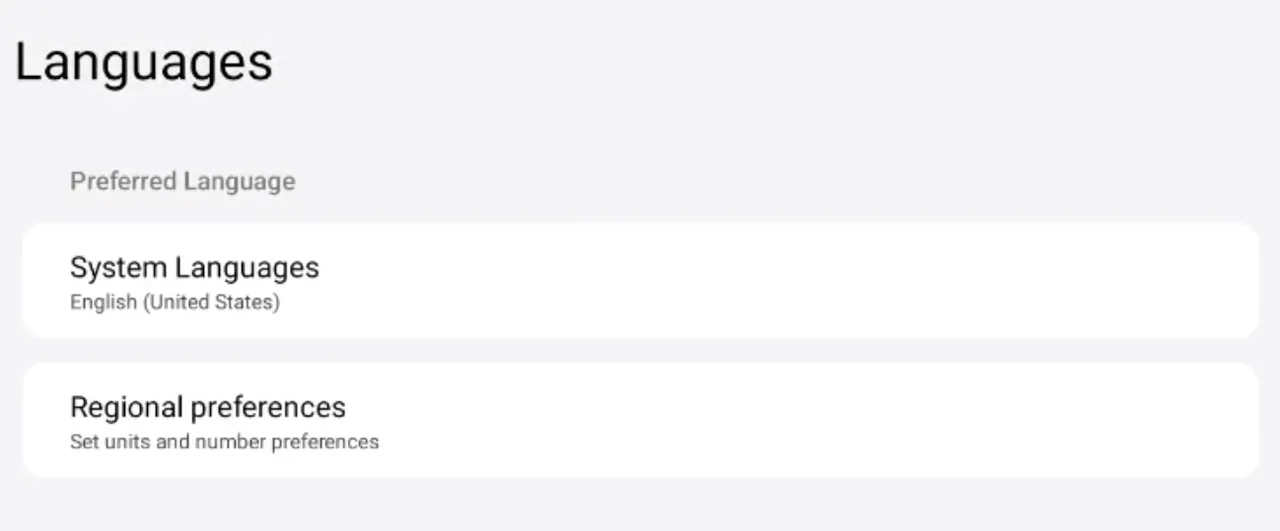
② Tap “System” → “Language” to modify the system language and regional setting preferences.
Part 2 Multilingual Management
Section titled “Part 2 Multilingual Management”① Tap “System” → “Language” → “System Language” → “Add Language”.
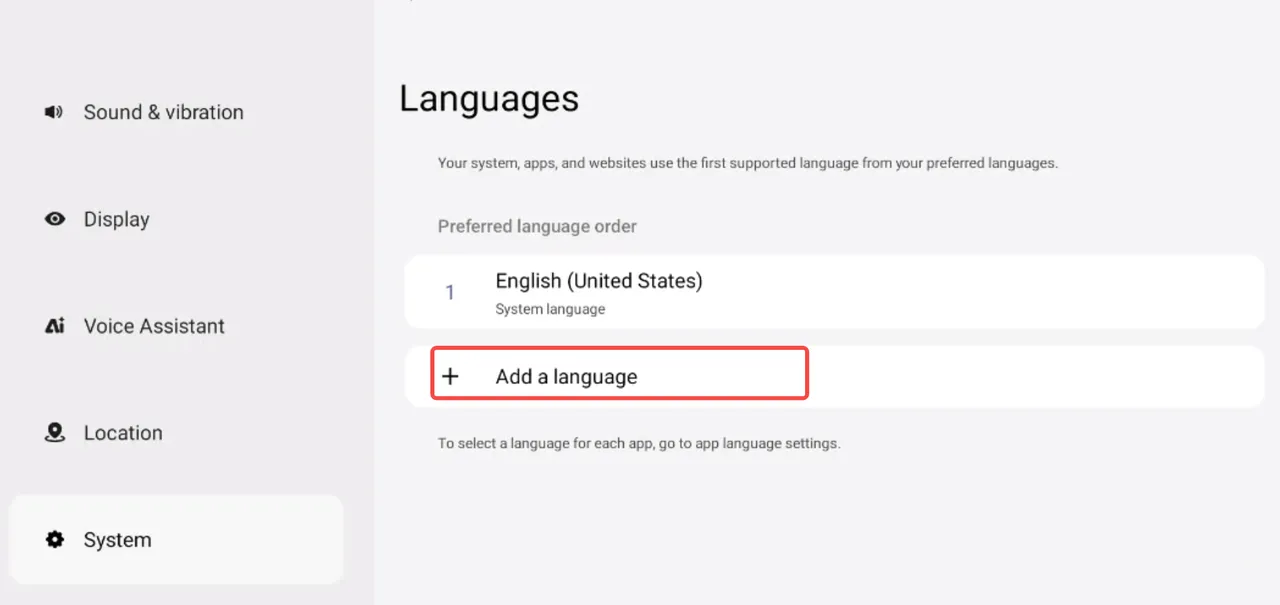
②The language in the 1st position is the current device language; tap the ”=” icon on its right and drag to switch the language’s position.
